Subscription actions are in Credits history, not on a separate account website.
How do I change my plan?
- Open the avatar menu in the top-right of the editor.
- Select Credits history.
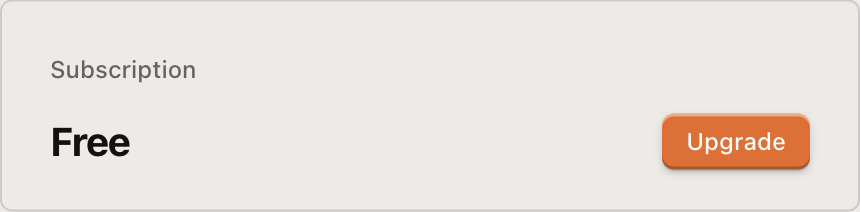
- Find the Subscription section.
- Select Change Plan.
- Choose an available plan and billing cycle, then confirm checkout.
How do I cancel or resume?
Under Avatar → Credits history → Subscription, select Cancel Subscription. The dialog shows the period-end date. Paid access remains active until that date; cancellation does not create a refund.
Before cancellation takes effect, return to the same section and select Resume Subscription to reverse it.
How do I update payment?
Select Manage Payment in the Subscription section. If a payment is past due, the action may be labeled Update Payment instead.
For a refund request or an incorrect charge, first collect the date and transaction from Credits history, then select Feedback in the avatar menu or email team@chatcut.io.